
Mastering FIFA Super Soccer Controls: Your Ultimate Guide to Dominating the Pitch
Unlock your full potential in FIFA Super Soccer with our comprehensive controls guide for PC and mobile. Learn every move to score goals and win matches!
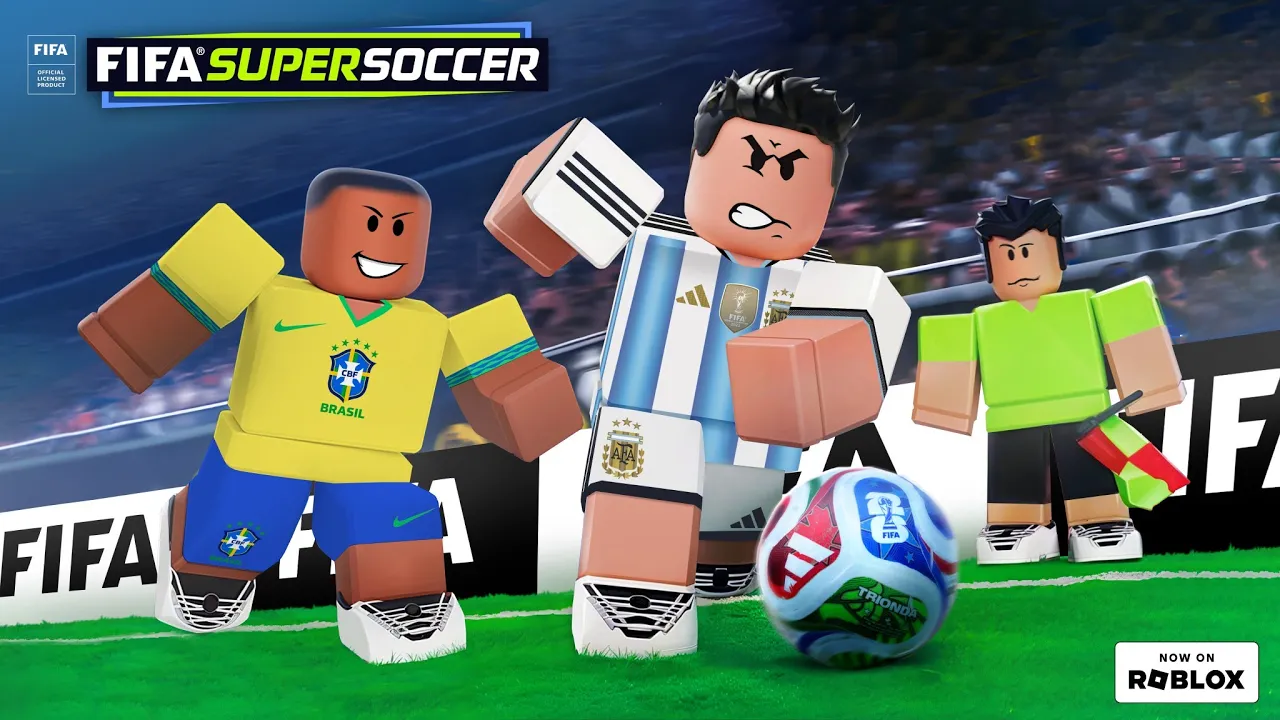
This FIFA Super Soccer Controls stays focused on Roblox-specific controls, rewards, match flow, and player experience.
Playing FIFA Super Soccer on Roblox offers an exhilarating 4v4 football experience, but mastering the FIFA Super Soccer controls is crucial for success. Whether you're aiming to be a prolific striker, a playmaking midfielder, or a shot-stopping goalie, understanding each input will elevate your game. This guide will walk you through all the essential FIFA Super Soccer controls for both PC and mobile, ensuring you spend less time fumbling and more time celebrating goals.
Why Mastering Controls is Your Key to Victory
In FIFA Super Soccer, fluid movement and precise actions can make all the difference. Unlike traditional football games, this Roblox title emphasizes quick reflexes and team coordination in its fast-paced 4v4 format. Simply knowing which button to press isn't enough; timing and execution are paramount. From executing a perfect slide tackle to unleashing a game-winning bicycle kick, every action relies on your command of the controls. Players who invest time in learning and practicing these inputs consistently outperform their rivals, turning frustration into finesse.
Consider the challenge of scoring a hat-trick of bicycle kicks, as one player attempted in a recent community challenge. Without a deep understanding of the cross and shot mechanics, such a feat would be nearly impossible. Similarly, a goalkeeper aiming for seven saves needs to master movement, diving, and quick distribution. These examples from player experience highlight that sophisticated gameplay in FIFA Super Soccer is directly tied to control proficiency.
Essential PC Controls for FIFA Super Soccer
For PC players, the keyboard and mouse provide a precise input method that, once mastered, can give you a significant edge. Here’s a breakdown of the core controls you'll need to navigate the pitch, defend, and score.
Movement and Basic Actions
| Action | PC Control | Description |
|---|---|---|
| Movement | WASD keys | Move your player in any direction. |
| Sprint | Hold Shift | Increase your player's speed for rapid movement. |
| Wave for Ball | R | Signal to teammates that you want the ball. |
| Camera Unlock | C | Freely adjust your camera view for better awareness. |
| Leaderboard | TAB | View current game statistics and player rankings. |
Attacking and Defensive Controls
Executing offensive plays and shutting down opponents requires a different set of inputs. These are vital for both scoring and preventing goals.
| Action | PC Control | Description |
|---|---|---|
| Shoot/Cross | LMB (Left Mouse Button) | Powerfully shoot towards the goal or send a cross into the box. |
| Low Shot/Pass | RMB (Right Mouse Button) | Perform a ground shot or a precise pass to a teammate. |
| Slide Tackle | E | Attempt to dispossess an opponent with a sliding challenge. |
| Dribble/Skill | Q | Perform skill moves or close control dribbling to evade defenders. |
Understanding how to combine these controls, such as holding Shift while dribbling with Q, can unlock advanced maneuvers and give you greater control over the ball. Practice these FIFA Super Soccer controls in a low-pressure environment to build muscle memory.
Mobile Controls for On-the-Go Gameplay
Playing FIFA Super Soccer on a mobile device offers convenience and accessibility. While the interface differs from PC, the core mechanics remain the same. Here’s how you can dominate the field using touch controls.
Movement and General Interactions
| Action | Mobile Control | Description |
|---|---|---|
| Movement | Left joystick (bottom left) | Control your player's direction. |
| Sprint | Hold joystick forward & sprint icon | Increase speed for faster movement. |
| Camera | Pinch to zoom or drag the screen | Adjust your camera perspective. |
| Wave | Wave emote button | Request the ball from a teammate. |
Attacking and Defensive Mobile Controls
The right side of your mobile screen hosts the action buttons for shooting, passing, and tackling.
| Action | Mobile Control | Description |
|---|---|---|
| Shoot/Cross | Shoot button (right side) | Fire a powerful shot or deliver a cross. |
| Pass/Low Shot | Pass button (below shoot) | Execute a ground pass or a low-driven shot. |
| Slide Tackle | Slide button (bottom right) | Initiate a slide to win the ball. |
| Dribble/Skill | Swipe on the ball or Skill button | Employ skill moves or close control. |
Mobile players often find that a smooth screen drag for camera control and precise taps for actions are key. Some players report that adjusting sensitivity settings can significantly improve their mobile experience with FIFA Super Soccer.
Advanced Techniques and Player Roles
Beyond the basic inputs, mastering specific player roles and advanced techniques can elevate your game in FIFA Super Soccer. Each position benefits from a nuanced understanding of how to apply the controls effectively.
Playing as a Goalie
The goalkeeper is a critical position, responsible for denying goals and initiating attacks. To excel as a goalie:
- Positioning: Stay near your goal and anticipate shots. Use movement controls (WASD/Joystick) to cover angles.
- Saving: When a shot comes in, quickly move your player to intercept. Community reports suggest that timing your dive or block is more about anticipation than raw speed.
- Distribution: After a save, use the shoot/cross (LMB/Shoot button) to clear the ball or the low shot/pass (RMB/Pass button) to distribute it accurately to a teammate, starting a counter-attack.
- Practice: The game allows you to pick the goalie position before a match. Practice in a training mode to get a feel for the unique responsibilities. One player's attempt to replicate Neuer's success required seven saves, emphasizing the need for consistent practice and quick reflexes.
Mastering Offensive Plays
For strikers and attacking midfielders, scoring goals is the ultimate objective.
- Bicycle Kicks: While notoriously difficult, a bicycle kick is a spectacular way to score. Player experience indicates that these often occur when a cross is delivered into the box and your player is positioned correctly for an acrobatic finish using the shoot button. It's a high-risk, high-reward move that requires precise timing.
- Assists: If you prefer setting up goals, focus on precise passing and crossing. Utilizing the low shot/pass (RMB/Pass button) for through balls and the shoot/cross (LMB/Shoot button) for air crosses into the box can lead to many assists. One player, challenging themselves to get three assists like Kevin De Bruyne, found that accurate passing was essential, even when facing in-game cheaters.
- Dribbling: Use the dribble/skill (Q/Swipe or Skill button) to bypass defenders. Combining this with sprint (Shift/Hold joystick forward) can create space for shots or passes.
Defensive Strategies
Effective defense is about more than just slide tackles.
- Containment: Use movement to cut off passing lanes and pressure opponents, forcing them into mistakes.
- Slide Tackles: The slide tackle (E/Slide button) is powerful but must be timed perfectly to avoid fouls or missing the ball entirely. Use it strategically, not recklessly.
- Teamwork: Coordinate with your teammates to cover zones and double-team opponents. Communication, even in a Roblox context, can significantly improve defensive solidity.
External Resources and Community Insights
To further enhance your FIFA Super Soccer experience, many players turn to community forums and guides. For official information and updates on FIFA Super Soccer and other Roblox games, you can always check the official Roblox website. This platform provides a wealth of information, including game updates, community discussions, and developer blogs that can offer insights into game mechanics and future features.
Community discussions often reveal nuances not explicitly covered in official guides. For instance, some players share optimal camera settings or specific timing for bicycle kicks based on extensive player experience. Engaging with the wider FIFA Super Soccer community can provide valuable tips for mastering these FIFA Super Soccer controls and staying ahead of the curve.
FAQs
How do I effectively use the FIFA Super Soccer controls to score a bicycle kick?
Scoring a bicycle kick in FIFA Super Soccer is challenging but exhilarating. It typically requires a cross to be delivered into the box, and your player must be in a suitable position to execute the acrobatic finish using the shoot button (LMB on PC, Shoot button on mobile). Timing is crucial; often it happens when the ball is slightly behind or above your player.
Can I change my player position during a match in FIFA Super Soccer?
Yes, according to community reports, if a teammate leaves or you wish to switch roles, you can often change your position (e.g., from striker to midfielder) during a match. This is usually done through the in-game menu or by respawning and selecting a new role, allowing you to adapt your strategy on the fly.
What are the best ways to earn coins quickly in FIFA Super Soccer?
To earn coins fast in FIFA Super Soccer, focus on winning matches, completing daily quests, and participating in special in-game events. Player experience also suggests checking the stadium for passive rewards and teaming up with friends to secure more wins, which generally yield higher coin rewards.
Are there any advanced FIFA Super Soccer controls for special moves not listed?
While the guide covers the primary FIFA Super Soccer controls, some "skill" or "dribble" actions (Q on PC, Swipe or Skill button on mobile) can activate context-sensitive special moves depending on your player's attributes and the situation. Experimenting with these in different scenarios can uncover advanced maneuvers.
Related Guides
Conquer the Pitch: Essential FIFA Super Soccer Lag Fix Strategies for Smooth Gameplay
Tired of choppy frames and high ping in FIFA Super Soccer on Roblox? Discover our comprehensive guide to fix lag and optimize your game for a flawless...
FIFA Super Soccer Noob to Pro: Master the Pitch on Roblox & Dominate Every Match
Transform your gameplay from FIFA Super Soccer noob to pro with this comprehensive Roblox guide. Learn controls, strategies, and advanced tips to score...
Mastering FIFA Super Soccer Gameplay: Pro Strategies for Roblox Domination
Unlock your potential in FIFA Super Soccer gameplay on Roblox! Discover essential controls, team tactics, and advanced strategies to conquer the pitch.
Mastering the Pitch: Essential FIFA Super Soccer Tips for Becoming a Pro Player
Unlock your full potential in Roblox's FIFA Super Soccer with these pro tips. Learn shooting, dribbling, passing, and advanced strategies to dominate...